Register
Most administrator accounts are automatically created by the development team and won’t be able to create more unless requested.
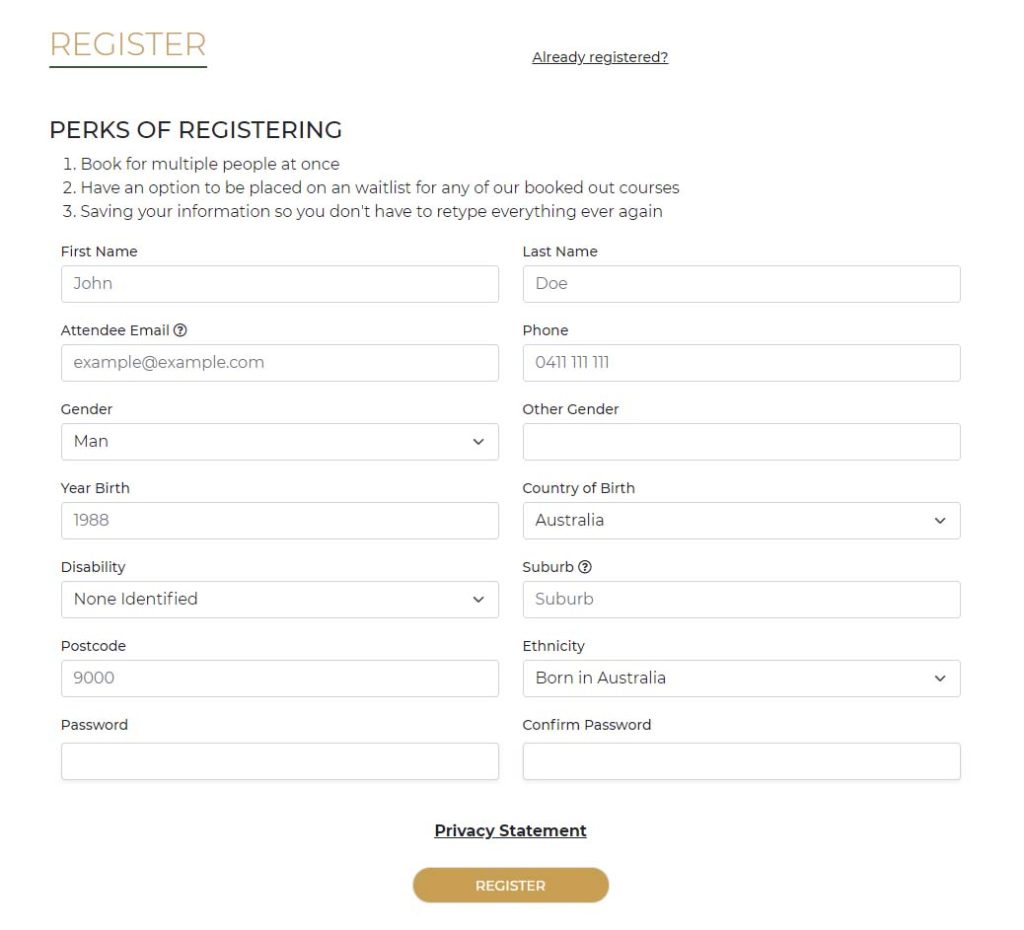
However, you can create customer accounts by going https://“your-domain”/register which you will find a form covering user information and attendee information that the community center collects for reporting purposes.
Login
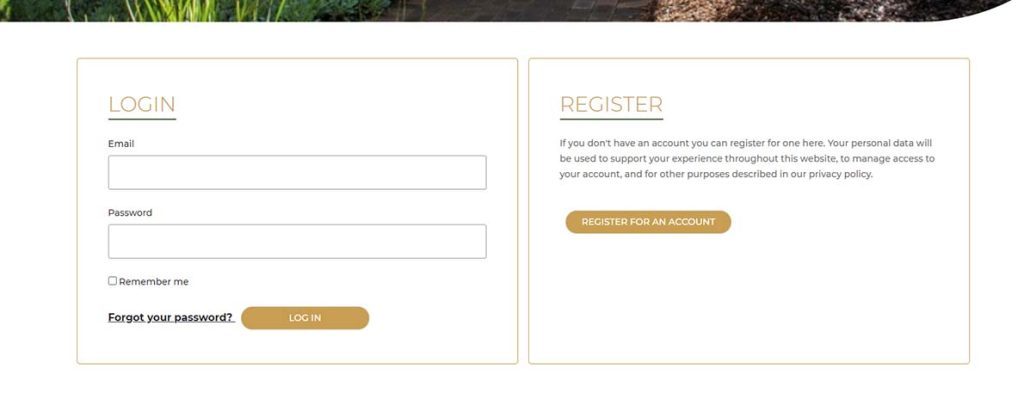
The login page is located https://“your-domain”/login and both admin and customer users can use the login page.
Forgot Password
On the login page, there is a link to the forgot password section when pressed will send you to another form. The form will ask for an email address for your account and will send you a reset password email. Follow the instructions of the email which are to press on a link to lead you to a form with the ability to change the password.