Login & Register & Forget Password

Register

Most administrator accounts are automatically created by the development team and won’t be able to create more unless requested.
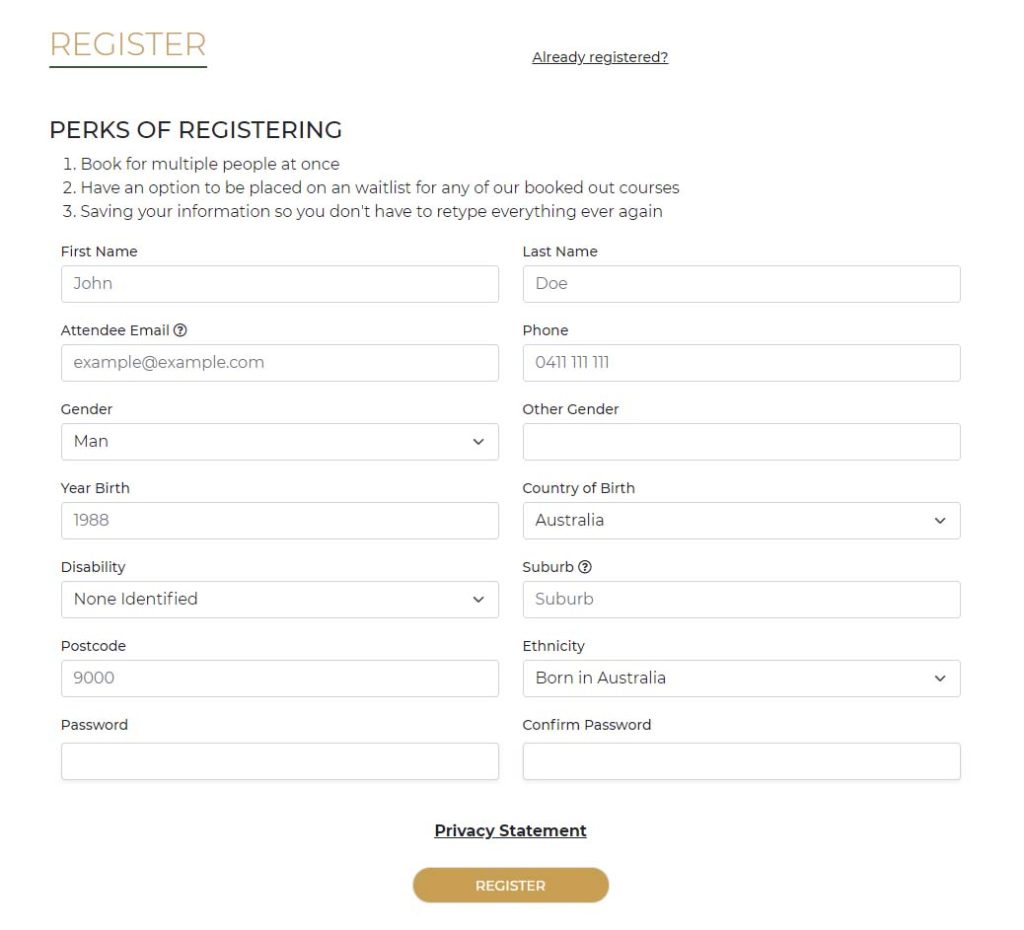
However, you can create customer accounts by going https://“your-domain”/register which you will find a form covering user information and attendee information that the community center collects for reporting purposes.
Login

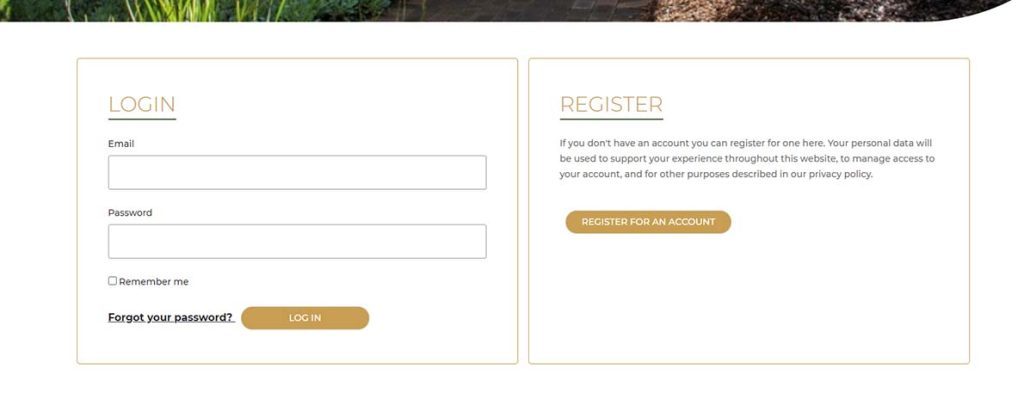
The login page is located https://“your-domain”/login and both admin and customer users can use the login page.
Forgot Password

On the login page, there is a link to the forgot password section when pressed will send you to another form. The form will ask for an email address for your account and will send you a reset password email. Follow the instructions of the email which are to press on a link to lead you to a form with the ability to change the password.

Other Posts

Walk-ins 2022

Last Modified 08/06/2022 Instructions To get to the walk-ins page head to the dashboard, then in the menu press walk-ins. Once on the page, you can create new walk-ins: Adding an attendee: For existing attendees Start filling out the search field to find the attendee....

Editing your profile

To Edit the Attendee Info URL :  /profile Open each tab by clicking on the tab's bar to view each person's information and to update their information. To add more attendees press the add new person. Delete person can be done by pressing the removed person. Press Save...

Maintenance Mode

With the User's Permission, the developers can put the site on maintenance mode in case of major issues that could occur in beta stages. Admin and other users could still access the site using a key which a developer will send instructions to use. In future updates,...